


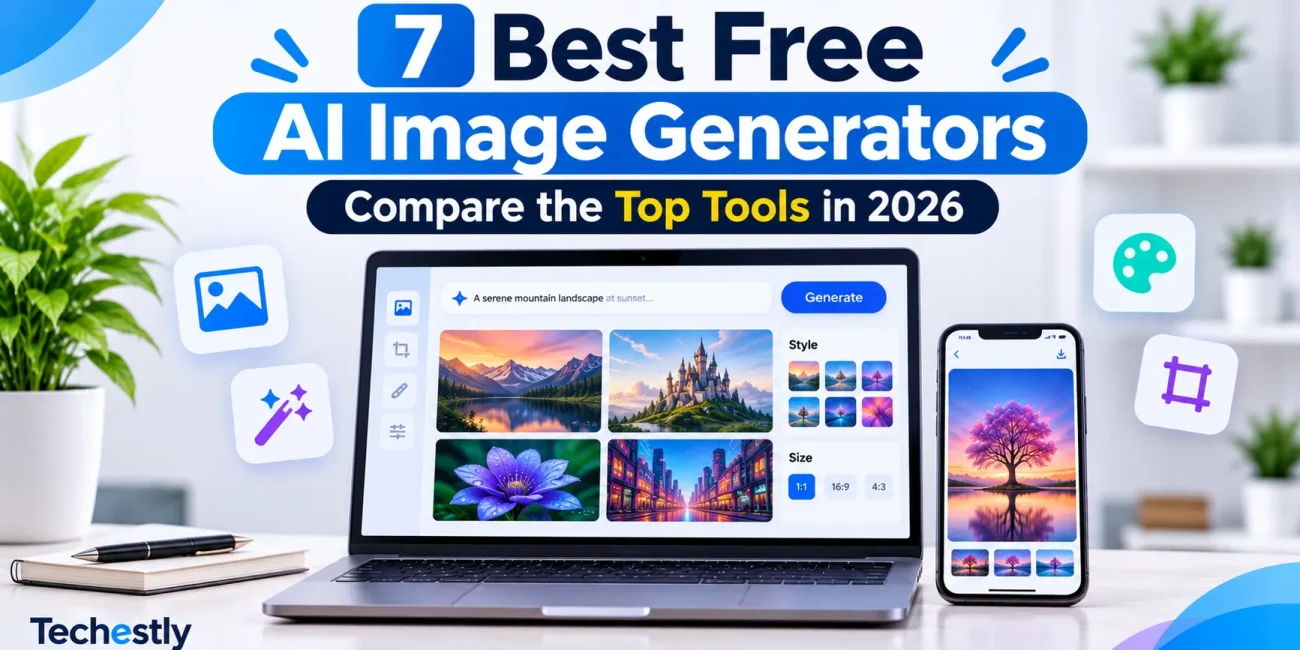
AI image generators make it possible to create illustrations, product concepts, social media graphics, thumbnails, and blog images from simple text prompts. You no longer need advanced design skills to turn an idea into a visual.
The challenge is choosing the right tool. Some free AI image generators are better at realistic images, while others are designed for text inside graphics, creative editing, or finished social media designs. Their free limits also vary: some offer daily tokens, some provide weekly credits, and others use limits that can change with demand.
In this guide, we compare seven popular free AI image generators in 2026, explain what each one does best, and highlight the main limitations to consider before choosing one.
If you also need help writing content to go with your visuals, see our guide to the best free AI writing tools.
Best Free AI Image Generators at a Glance
| Tool | Best For | Free Access |
|---|---|---|
| Google Gemini | General image creation and editing | Free access with changing usage limits |
| ChatGPT | Conversational image creation and revisions | Free access with separate usage limits |
| Microsoft Bing Image Creator | Quick image generation | 15 fast creations per day, then standard speed |
| Adobe Firefly | Image creation and editing workflows | Limited daily generations |
| Ideogram | Text inside images and poster designs | Weekly credits for eligible accounts |
| Leonardo AI | Creative styles and detailed control | 150 tokens per day |
| Canva AI | Creating finished designs and social graphics | Limited AI access on the Free plan |
Free allowances can change and may depend on the account, model, region, or current service availability. The figures above reflect the providers’ published information checked on November 17, 2026. Always check the linked plan page before relying on a specific allowance.
1. Google Gemini – Best Overall for Everyday Image Creation
Google Gemini is a useful starting point for people who want to create or edit images without learning a complicated design tool. You can describe the image you want in everyday language and use follow-up prompts to refine the result.
Gemini uses Google’s Nano Banana image models for image creation and editing. Its image workflow is useful for generating concepts, changing visual details, and creating images based on a written description.
Best features:
- Create images from text prompts.
- Refine or edit generated images using follow-up instructions.
- Generate visual concepts without a separate design application.
- Use natural-language instructions to request changes.
Free plan limitations:
Gemini offers image generation to eligible free users, but Google does not promise one fixed image allowance that applies to every account and situation. Usage limits may change based on demand, model availability, subscription status, and other factors.
Best for: Beginners, bloggers, students, and small business owners who need a simple image-generation workflow.
Official link: Google Gemini
Image-generation guide: Google’s official Gemini image help
2. ChatGPT – Best for Conversational Image Creation
ChatGPT is a convenient option when you want to explain an idea, generate an image, and then request changes through a conversation.
Instead of adjusting several design settings manually, you can describe what needs to change. For example, you can ask for a different background, a cleaner composition, a new aspect ratio, or a more professional visual style.
ChatGPT’s image creation is particularly useful when you are still developing the concept and want to refine it step by step.
Best features:
- Generate images from written prompts.
- Refine visuals through follow-up instructions.
- Discuss the image concept before creating it.
- Upload images and request supported edits.
Free plan limitations:
Free users can create images in ChatGPT, but image generation has separate usage limits from regular text conversations. OpenAI does not publish one permanent daily image quota for every free account. ChatGPT displays a notification when the applicable limit is reached.
Best for: Beginners, content creators, and people who prefer explaining changes instead of working with complex design controls.
Official links: ChatGPT | ChatGPT Free Tier FAQ
3. Microsoft Bing Image Creator – Best for Quick Free Creations
Microsoft Bing Image Creator is a straightforward option for turning a text prompt into an image. It works with a Microsoft account and is useful when you want to create a visual without learning a dedicated image-editing application.
One useful part of its free offering is the distinction between fast and standard image creation.
Best features:
- Generate images from text prompts.
- Simple browser-based workflow.
- Useful for quick concepts and creative experiments.
- No advanced design experience required.
Free plan limitations:
Microsoft documents 15 free fast creations per day. After those fast creations are used, the service automatically switches to standard creation speed. This means the 15 daily fast creations are not necessarily the total number of images you can create.
Best for: Users who want a simple tool for generating multiple concepts and do not mind slower processing after using the daily fast allowance.
Official link: Microsoft Bing Image Creator
4. Adobe Firefly – Best for Creative Editing Workflows
Adobe Firefly is designed for image generation and creative editing. It is a useful option for people who already work with Adobe products or want to move between generating and editing visuals.
You can use it to explore visual ideas, create image concepts, and work with supported generative editing features.
Best features:
- Generate images from text prompts.
- Use supported generative editing features.
- Work within Adobe’s creative ecosystem.
- Explore different visual styles and concepts.
Free plan limitations:
Adobe provides free users with a limited number of daily generations across supported generative AI features. The allowance refreshes daily, but Adobe says the number of generations, available features, and supported models can change.
Do not assume that every model available inside Firefly has identical usage or commercial-use terms. Check the terms for the specific model and feature you use.
Best for: Designers, content creators, and users who want image generation alongside creative editing tools.
Official links: Adobe Firefly | Adobe Firefly Plans
5. Ideogram – Best for Text Inside Images
Many AI image generators can create attractive visuals but struggle when a prompt requires readable words. Ideogram is a particularly useful option for posters, banners, presentation graphics, and other designs where typography matters.
You can describe the visual and include the wording that should appear inside it. Results still need checking, especially when exact spelling or brand names are important.
Best features:
- Designed for image generation with text.
- Useful for posters, promotional graphics, and typography-focused visuals.
- Supports different styles and aspect ratios.
- Offers image-generation tools through a browser-based interface.
Free plan limitations:
Eligible free accounts receive weekly credits, but the allowance and eligibility can depend on the sign-in method and current plan rules. Some free-account generations are published publicly by default. Check the current plan details before creating private or sensitive material.
Ideogram says users can use generated images for commercial purposes under its terms of service, but you should still review those terms and consider trademark, copyright, and other rights before publishing.
Best for: Posters, social media graphics, thumbnails, and images that need readable text.
Official links: Ideogram | Ideogram Plans and Credits
6. Leonardo AI – Best for Creative Styles and Detailed Control
Leonardo AI offers a broad set of image-generation models and creative options. It is useful when you want to experiment with different visual styles, create concept art, or adjust generation settings.
Its token system makes the free allowance easier to understand than services that only display an unspecified usage limit.
Best features:
- Multiple image-generation models and styles.
- Tools for creative concepts and visual experiments.
- Settings that allow more control over the generation process.
- Daily free token allowance.
Free plan limitations:
Leonardo’s free users receive 150 tokens per day. The number of images you can create depends on the selected model, image size, number of outputs, and other settings because each action can use a different number of tokens. Unused free daily tokens do not accumulate.
Best for: Users who want to experiment with different styles and are comfortable learning a few generation settings.
Official links: Leonardo AI | Leonardo Token FAQ
7. Canva AI – Best for Finished Social Media Designs
Canva is more than an image generator. It combines design templates, image editing, and AI-powered features in one workspace.
This makes it useful when the goal is not just to generate an image, but to turn that image into a social media post, presentation, flyer, or other finished design.
Best features:
- Create and edit designs in one workspace.
- Combine generated images with templates and text.
- Work on social media graphics and presentations.
- Use a large library of design assets.
Free plan limitations:
Canva Free includes limited access to its AI features. Its AI usage allowance is shared across eligible AI tools, and access differs from paid plans. Do not assume that every premium AI feature is available without restriction on the free plan.
Best for: Small businesses, students, marketers, and content creators who want to turn visuals into finished designs.
Official links: Canva | Canva Pricing | Canva AI Usage Guide
Which Free AI Image Generator Should You Choose?
The best choice depends on what you are creating.
- For everyday image creation: Start with Google Gemini.
- For conversational prompts and revisions: Try ChatGPT.
- For quick free image generation: Try Microsoft Bing Image Creator.
- For creative editing workflows: Explore Adobe Firefly.
- For readable text inside images: Choose Ideogram.
- For creative styles and model options: Try Leonardo AI.
- For complete social media designs: Use Canva.
You do not need to subscribe to several tools immediately. Start with one or two that match your work, learn their limits, and move to another option only when you need a feature the first one does not provide.
Tips for Getting Better Results from AI Image Generators
The quality of an AI-generated image depends heavily on the instructions you provide. A vague prompt usually leaves too much room for the tool to guess.
Try these practical tips:
- Describe the subject clearly: Explain what the image should show instead of using broad instructions such as “make a nice picture.”
- Mention the visual style: Specify whether you need a realistic photograph, editorial illustration, 3D render, or minimal graphic.
- Describe the composition: Mention the background, lighting, camera angle, and where the main subject should appear.
- Choose the correct aspect ratio: Use landscape for blog featured images, square for many social posts, and portrait for vertical content.
- Check the final result: Review text, object details, proportions, and any unexpected elements before publishing.
- Check usage rights: Read the provider’s terms before using generated images in paid client work, advertisements, or products.
For example, instead of writing “create a laptop image,” try:
“Create a realistic editorial photograph of a modern laptop on a clean office desk, displaying a generic project dashboard with organized task cards. Use natural daylight, a neutral white and grey color palette, a professional SaaS photography style, and a wide landscape composition. Do not include people, brand logos, or watermarks.”
Are Free AI-Generated Images Safe to Use Commercially?
Not automatically. The right to use an AI-generated image depends on the provider’s terms, the selected model, your account plan, and the content of the image.
Before using an image for a business, advertisement, or client project:
- Review the image generator’s current terms of service.
- Check whether free-plan outputs can be used commercially.
- Check whether images are public by default.
- Avoid generating copyrighted characters, protected logos, or branded material without permission.
- Do not assume that a provider’s commercial-use policy guarantees that every generated image is free of legal issues.
When an image is important to a business or client, review the licensing terms carefully before publishing it.
Final Thoughts
The best free AI image generators in 2026 offer different strengths. Gemini and ChatGPT are convenient for everyday creation, Bing Image Creator provides a useful fast-generation allowance, and Ideogram is worth trying when text inside an image matters. Adobe Firefly, Leonardo AI, and Canva are useful for more specific creative workflows.
Start with the tool that matches your actual requirements rather than choosing one only because it is popular. Free limits can change, so verify the current plan before depending on a particular number of generations.
For more help evaluating software and choosing tools for your workflow, read our guide on how to choose business software.
Editorial note: This comparison is based on publicly available product and plan information checked on November 17, 2026. It is not a claim that Techestly independently tested every tool. Free allowances, features, regional availability, and usage terms may change.
Other Articles

5 Best Free Password Managers for Small Teams in 2026
7 Best Free AI Writing Tools in 2026