

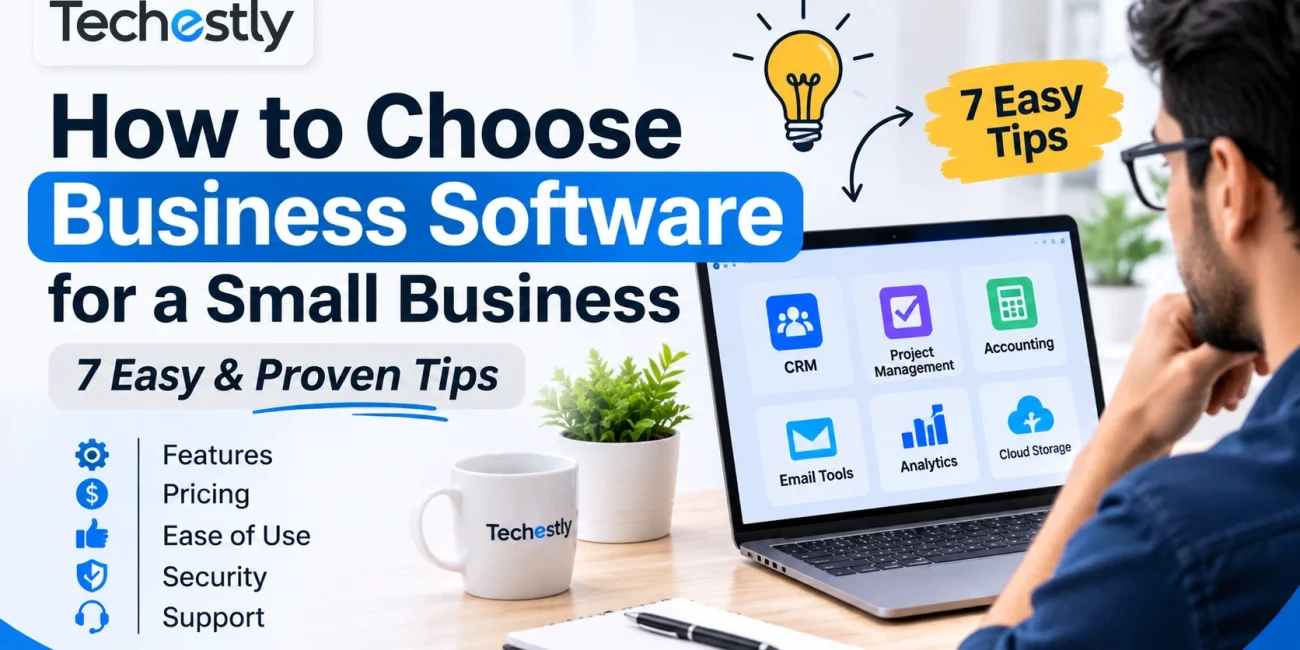
Learning how to choose business software is important for small businesses that want to save time, organize daily operations, and improve productivity. The right software can help manage customers, track projects, prepare invoices, and simplify routine tasks.
However, choosing a platform simply because it is popular or inexpensive can lead to unnecessary costs and complicated workflows. Before making a decision, understand your business requirements and compare the available options carefully.
Here are seven practical factors to consider before selecting business software.
1. How to Choose Business Software Based on Your Needs
Start by identifying the problems you want the software to solve. Different businesses have different operational needs, so there is no single platform that works for everyone.
For example, a small marketing agency might need project management and customer relationship management tools. An independent consultant might only need invoicing and appointment scheduling software.
Common business requirements include:
- Customer management: Organizing customer details, communication, and sales opportunities. Businesses comparing customer management tools can explore our guide to 6 Best Free CRM Software for Small Businesses in 2026.
- Project management: Assigning tasks, setting deadlines, and tracking progress. For more options, see our 7 Best Free Project Management Tools for Small Teams in 2026.
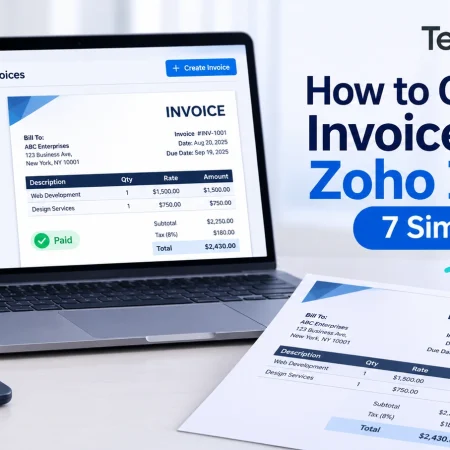
- Accounting and invoicing: Preparing invoices, recording payments, and monitoring expenses. Our guide to 7 Best Free Invoicing Software for Small Businesses in 2026 covers some options worth comparing.
- Team communication: Sharing updates, files, and important information.
- Marketing: Managing email campaigns, customer lists, and marketing activities.
Write down the problems you experience most frequently. This will help you focus on software that addresses actual business needs instead of paying for features you may never use.
2. Compare Essential Features and Functionality
After identifying your requirements, compare the features offered by different platforms.
Not every business needs advanced reporting, automation, or complicated customization options. Start with essential functions and consider additional features only when they provide genuine value.
Divide the features into two groups:
Essential features
These are the functions your business needs to operate efficiently. For example, an invoicing tool should allow you to create invoices, record payments, and manage customer information.
Optional features
These include advanced automation, custom reports, additional integrations, and other tools that might become useful as your business grows.
Create a simple comparison list before choosing a platform. This makes it easier to identify which software meets your requirements without getting distracted by unnecessary features.
3. Review Pricing and Free Plan Limitations
Software pricing should be evaluated carefully, especially when you are working with a limited budget.
Some platforms offer free plans, while others provide limited trials before requiring a paid subscription. A free plan can be useful, but it may include restrictions on users, storage, projects, or monthly usage.
Before subscribing, check:
- Monthly and annual subscription prices.
- Limits on users and team members.
- Storage and usage restrictions.
- Costs of premium features and add-ons.
- Renewal, cancellation, and refund policies.
Also consider the total cost rather than just the advertised starting price.
For example, a project management platform might appear affordable initially but require a higher subscription when you add more team members or need advanced reporting.
Choose a pricing plan that fits your current budget and provides enough flexibility for future needs.
4. Evaluate Ease of Use
Business software should make daily work easier. A complicated platform can waste time, create confusion, and require unnecessary employee training.
Look for software with a clear interface, understandable navigation, and straightforward setup.
Before choosing, consider these questions:
- Can new users understand the main features easily?
- Is the dashboard organized and clear?
- Are important functions easy to access?
- Does the platform provide useful tutorials or documentation?
- Can employees complete everyday tasks without extensive training?
Whenever possible, use a free trial or plan before committing to a paid subscription.
Test the software with realistic business tasks. For example, create a project, add a customer, assign a task, or generate an invoice. This provides a better understanding of how the platform performs in everyday situations.
5. Check Integrations and Compatibility
Many small businesses already use several applications to manage their operations. Your new software should work properly with the tools you currently depend on.
For example, CRM software may need to connect with your email platform, while accounting software might need to integrate with payment services or invoicing applications.
Check whether the software supports:
- Email and calendar integrations.
- Payment and accounting applications.
- Project management tools.
- File storage services.
- APIs or other integration methods.
Also consider device compatibility. Check whether the software works through a web browser, desktop application, or mobile app, depending on how your team works.
Another important factor is data portability. Make sure you understand how to export your customer information, business records, and other important data if you decide to switch platforms later.
6. Review Security and Customer Support
Business software may store customer information, financial records, employee details, and internal documents. Protecting this information should be an important part of your decision.
Before choosing a platform, review its privacy policy and available security features.
Some useful features to look for include:
- Two-factor authentication or other multi-factor authentication options.
- User roles and access permissions.
- Secure data transmission.
- Backup and data recovery options.
- Clear information about data storage and privacy practices.
For additional guidance, the NIST Cybersecurity Basics explains useful security practices for small businesses. The Federal Trade Commission’s Cybersecurity Guide for Small Businesses also provides practical information about protecting business data and systems.
You should also evaluate customer support. Technical problems can interrupt business operations, so it is useful to know where to get assistance.
Check whether the provider offers email support, live chat, phone assistance, or a searchable help center.
7. Test the Software Before Committing
Avoid moving your entire business to a new platform without testing it first.
Start with a free plan or trial when available. Use it to complete a few everyday tasks and evaluate whether the software actually improves your workflow.
For example, a small business considering CRM software could test how easily it can add customer records, organize leads, track communication, and manage follow-ups.
During the evaluation, pay attention to:
- Overall performance and reliability.
- Ease of completing routine tasks.
- Available features and restrictions.
- Compatibility with existing applications.
- Whether the software meets your original requirements.
You can also ask a team member to test the platform and share feedback. This can help identify usability problems that you might overlook.
Avoid choosing a long-term subscription until you are comfortable with the software and understand its limitations.
Common Mistakes to Avoid When Choosing Business Software
Even after comparing different platforms, businesses can make decisions that lead to unnecessary expenses or operational difficulties.
Here are some common mistakes to avoid:
Choosing software based only on price: A cheap platform may not provide the essential features your business needs. Compare overall value instead of focusing only on subscription costs.
Paying for unnecessary features: Advanced tools are not always useful. Choose software according to your actual requirements.
Ignoring future costs: Check user limits, paid upgrades, and additional charges before subscribing.
Skipping the trial period: A platform may look impressive but be difficult to use in practice. Test it before making a commitment.
Overlooking data portability: Understand how you can access and export your business information if you eventually change providers.
Avoiding these mistakes can make the selection process more practical and help prevent unnecessary changes later.
Final Thoughts
Choosing the right software requires more than comparing popular platforms or advertised prices. Understanding how to choose business software means identifying your requirements, comparing essential features, reviewing subscription costs, and evaluating usability, integrations, and security.
Test the platform using everyday tasks before making a long-term commitment. The best business software is the one that solves your actual problems, fits your budget, and supports the way your business operates.
A careful selection process can help small businesses improve their workflows without adding unnecessary complexity or expenses.
Frequently Asked Questions
What type of software does a small business need?
It depends on the business. Common options include CRM software, accounting applications, project management platforms, invoicing tools, and communication software.
Should a small business choose free or paid software?
Free software can be a practical starting point when its features and usage limits meet your requirements. Paid plans may be worth considering when your business needs additional users, storage, automation, or advanced features.
How can I compare two business software platforms?
Compare their essential features, pricing, limitations, ease of use, integrations, security options, and customer support. Testing both platforms can also help you make a more informed decision.
When should a business replace its existing software?
Consider switching when your current platform no longer meets your requirements, becomes too expensive, or creates problems in everyday operations. Review data export and migration options before making the change.

Other Articles
7 Best Free Canva Alternatives in 2026
7 Best Free Invoicing Software for Small Businesses in 2026