




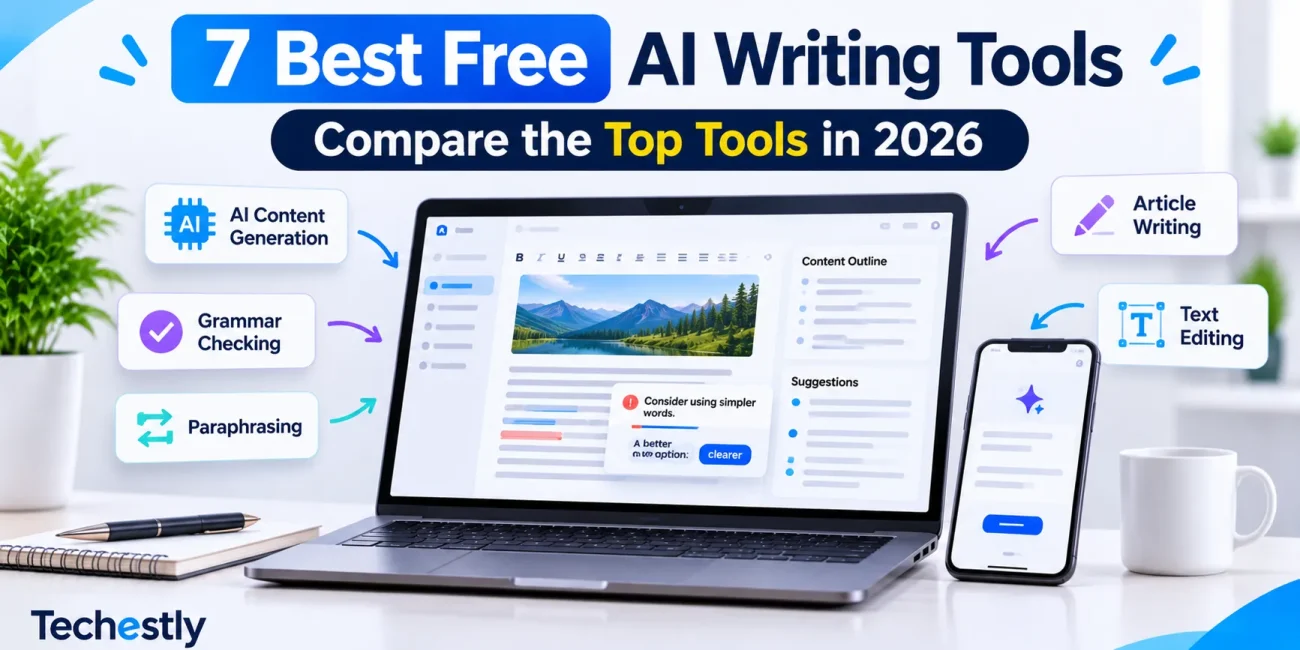
Writing blog posts, emails, social media captions, product descriptions, and business documents can take a lot of time. AI writing tools can make these tasks easier by helping you generate ideas, create first drafts, improve grammar, and rewrite unclear sentences.
The good news is that you do not always need a paid subscription. Several AI writing tools offer free plans that are useful for everyday writing, although each platform has its own restrictions.
In this guide, we compare the best free AI writing tools in 2026, including ChatGPT, Claude, Gemini, Grammarly, QuillBot, Rytr, and Hemingway Editor. We will explain what each tool does, what you can use it for, and what limitations to consider before choosing one.
This comparison is based on publicly available product and pricing information, not independent hands-on testing. Free-plan limits were checked on November 17, 2026, and may change.
Best Free AI Writing Tools: Quick Comparison
| Tool | Best For | Free Plan Highlights | Main Limitation |
|---|---|---|---|
| ChatGPT | General writing and brainstorming | Drafting, editing, research, and rewriting | Usage limits on advanced features |
| Claude | Long-form writing | Drafting, editing, and working with documents | Usage limits that vary |
| Google Gemini | Research and Google users | Writing assistance, research, and Canvas | Usage limits and feature availability |
| Grammarly | Grammar and proofreading | Grammar, spelling, and tone suggestions | 100 AI prompts per month |
| QuillBot | Paraphrasing | Rewrite up to 125 words per request | Only two paraphrasing modes |
| Rytr | Marketing copy | 40+ writing use cases and 10,000 characters per month | Monthly character allowance |
| Hemingway Editor | Readability and clarity | Highlights difficult sentences and writing issues | AI editing features require a paid plan |
Not every tool on this list serves the same purpose. Some can generate complete drafts, while others focus on improving text you have already written.
1. ChatGPT: Best Free AI Writing Tool Overall
ChatGPT is a general-purpose AI assistant that can help with blog posts, emails, product descriptions, social media captions, outlines, brainstorming, and editing.
Instead of using a separate tool for every writing task, you can describe what you need in a conversation and ask ChatGPT to create or improve the content.
Key Features
- Generate blog post outlines and first drafts
- Write emails and business documents
- Rewrite paragraphs in different tones
- Brainstorm article topics and headlines
- Summarize and organize information
- Help with research and explanations
- Review uploaded files and documents within available limits
Free Plan Limitations
ChatGPT offers a free plan, but some capabilities have usage limits. Access to advanced models, file uploads, image generation, voice, and other tools may be limited and can vary over time.
There is no need to assume that every feature is unlimited just because the basic chat is free.
Best for: Bloggers, students, freelancers, marketers, and small business owners who need an all-purpose writing assistant.
Official website: ChatGPT
You can review the latest details in the ChatGPT Free Tier FAQ.
2. Claude: Best for Long-Form Writing and Editing
Claude is an AI assistant developed by Anthropic. It is useful for creating detailed drafts, improving paragraphs, organizing ideas, and reviewing longer documents.
It can help writers refine the structure of an article, adjust its tone, and improve clarity without requiring a dedicated writing template for every task.
Key Features
- Draft articles and detailed documents
- Rewrite paragraphs and improve clarity
- Summarize uploaded documents
- Help organize long-form content
- Search the web
- Create documents and other files
- Work with Artifacts for certain writing and content tasks
Free Plan Limitations
Claude offers a free plan, but usage is limited. The amount you can use depends on factors such as message length, conversation complexity, and current demand.
Anthropic does not promise a fixed number of messages for every free user. Long conversations and larger documents can use up the available allowance more quickly.
Best for: Writers who create detailed articles, reports, proposals, and long-form documents.
Official website: Claude
You can check the official Claude pricing page for current plan details.
3. Google Gemini: Best for Research and Google Users
Google Gemini is an AI assistant that can help with writing, brainstorming, summarizing, and research.
It is particularly useful for people who already use Google services and want an AI assistant that fits into their existing workflow.
Key Features
- Generate article ideas and outlines
- Draft emails and other written content
- Summarize information
- Help with research and explanations
- Improve and rewrite paragraphs
- Use Canvas for working on drafts
- Work with supported Google services and features
Free Plan Limitations
Gemini provides free access, but its usage limits and available models can change. Some advanced capabilities have lower limits on the free tier or require a paid Google AI plan.
Availability can also depend on your country, account, and eligibility.
Best for: Students, bloggers, and professionals who use Google services and want help with research and writing.
Official website: Google Gemini
4. Grammarly: Best for Grammar and Proofreading
Grammarly is a writing assistant that helps improve spelling, grammar, clarity, and tone.
Unlike general-purpose AI chatbots, Grammarly is especially useful when you already have a draft and want to find mistakes before publishing or sending it.
Key Features
- Check spelling and grammar
- Review writing tone
- Identify common writing issues
- Get suggestions to improve clarity
- Use browser extensions and supported integrations
- Generate text with AI prompts
Free Plan Limitations
Grammarly’s Free plan includes spelling and grammar assistance, tone feedback, and 100 AI prompts per month.
More advanced features, such as full-sentence rewrites, additional tone adjustments, plagiarism detection, and AI detection, are available through paid plans.
Best for: Students, bloggers, professionals, and anyone who wants to proofread existing content.
Official website: Grammarly
For the latest feature breakdown, visit Grammarly’s official pricing page.
5. QuillBot: Best for Paraphrasing and Rewriting
QuillBot is a writing tool that focuses on paraphrasing, summarizing, and improving existing text.
It can be useful when you want to make a sentence clearer, shorten a paragraph, or explore a different way to express an idea.
Key Features
- Paraphrase existing text
- Rewrite sentences
- Fix basic grammar errors
- Generate basic summaries
- Access an AI detector with limited usage
- Choose between available paraphrasing modes
Free Plan Limitations
QuillBot’s Free plan allows users to paraphrase up to 125 words at a time in two modes: Standard and Fluency.
It also includes basic grammar correction, basic summaries, and limited access to other tools. More advanced paraphrasing modes and features require a paid subscription.
Best for: Students, bloggers, and professionals who need to rewrite or simplify short passages.
Official website: QuillBot
Check QuillBot’s Free and Premium plan comparison for current restrictions.
6. Rytr: Best for Short Marketing Content
Rytr is an AI writing platform designed to help users create short-form content for marketing, business communication, and everyday writing.
It offers different writing use cases, so users can select a content type and generate a draft based on their instructions.
Key Features
- Generate marketing copy
- Write product descriptions
- Create email drafts
- Generate social media content
- Use more than 40 writing use cases
- Support for more than 30 languages
- Create content using different writing formats
Free Plan Limitations
Rytr’s Free plan includes 10,000 characters per month. It also provides access to 40+ writing use cases and more than 30 languages.
The monthly character allowance makes it more suitable for short marketing content than for producing several long articles every month.
Best for: Freelancers, marketers, and small businesses that regularly need short promotional content.
Official website: Rytr
See Rytr’s official pricing page for its current Free plan details.
7. Hemingway Editor: Best for Improving Readability
Hemingway Editor is a writing and readability tool that helps users identify complicated sentences and improve the clarity of their writing.
It is different from AI chatbots because its main purpose is to make existing text easier to read rather than generate complete articles.
Key Features
- Highlight difficult-to-read sentences
- Identify passive voice
- Find unnecessary adverbs
- Show readability information
- Highlight complicated wording
- Help make paragraphs more concise
Free Plan Limitations
Hemingway’s free online editor provides readability analysis and writing highlights.
Its AI-powered editing features are part of Hemingway Editor Plus, which requires a paid subscription. The free editor is still useful if you want to identify readability problems and make the corrections yourself.
Best for: Bloggers, editors, students, and writers who want clearer and more readable content.
Official website: Hemingway Editor
You can also read its official guide to the online editor.
Which Free AI Writing Tool Should You Choose?
The best tool depends on what you write and which part of the writing process takes the most time.
Here are our recommendations by use case:
| Your Requirement | Recommended Tool |
|---|---|
| General writing and brainstorming | ChatGPT |
| Long-form drafts and document editing | Claude |
| Research and Google-related workflows | Google Gemini |
| Grammar and proofreading | Grammarly |
| Paraphrasing short passages | QuillBot |
| Marketing copy and product descriptions | Rytr |
| Improving readability | Hemingway Editor |
You do not necessarily need to choose only one tool. A practical free writing workflow can combine a general AI assistant for drafting, Grammarly for grammar checks, and Hemingway for readability.
For example, you can create an initial article outline with ChatGPT, refine the draft with Claude, check grammar using Grammarly, and review sentence readability with Hemingway.
Always review the final content yourself. AI tools can produce incorrect information, repetitive writing, or unsupported claims.
Are Free AI Writing Tools Good Enough for Blogging?
Yes, free AI writing tools can help with many parts of blogging, including research, outlining, drafting, proofreading, and editing.
However, using an AI tool does not automatically make an article useful or ready to publish.
A strong blog post still needs:
- Accurate and verified information
- Original insights and practical examples
- Clear explanations
- Relevant internal and external links
- Helpful images or screenshots where appropriate
- Human review and editing
Do not publish an AI-generated article without checking facts, product features, and current pricing information.
If you are building a website, choosing the right software also matters. Read our guide on how to choose business software before investing in tools for your workflow.
Final Verdict: Best Free AI Writing Tools in 2026
There are several useful free AI writing tools available in 2026, but each one is designed for a different purpose.
ChatGPT is a strong all-purpose option for drafting and brainstorming. Claude is useful for longer documents, while Gemini can help with research and Google-related workflows.
For editing, Grammarly and Hemingway offer different kinds of writing feedback. QuillBot is useful for short paraphrasing tasks, and Rytr provides ready-made formats for marketing content.
Our recommendation: Start with ChatGPT or Claude for general writing, then use Grammarly to check your final draft. Add QuillBot or Hemingway when you need their specific rewriting or readability features.
You do not need a paid subscription to begin improving your writing workflow. Start with the free tools that match your needs, understand their limits, and upgrade only when you actually need additional features.
Free features and usage limits can change. Always check the official pricing pages before signing up.

Other Articles

7 Best Free AI Image Generators in 2026
Asana vs ClickUp Free Plan: Which Is Better in 2026?